What you can build with GGDS
10 kinds of government product, starting with the 8 that institutions build most often, each made from GGDS components and tokens. Open one, resize the window, use it with a keyboard or a screen reader: it is a real page.
Each has its own colour, and works in every institution’s theme: choose MoCDTI or any of its agencies at the top of the page. The same template, in the same place, in your institution’s colour. See all the colours on Themes.
Every organisation, person, number and figure here is made up. The pages add only a little layout of their own, written with GGDS tokens: you can read it in showcase.css.
Make a whole website
Your institution's website, in five minutes
Give your institution's name, address, contact details and colour, and choose what it needs. You get a complete website: a homepage, services, an application from start to confirmation, a complaint form, news, publications, jobs, about and contact pages, search, and the accessibility, privacy and disclaimer pages. It comes with the server settings for security and speed, and a guide to putting it online on any hosting.
Plain HTML, GGDS 0.5.0, under a strict Content Security Policy. Or download the example, Example Agency (ZIP, 109 KB), or run npx @ggds/create.
Built most often
An online service: Apply for a fishing licence
-
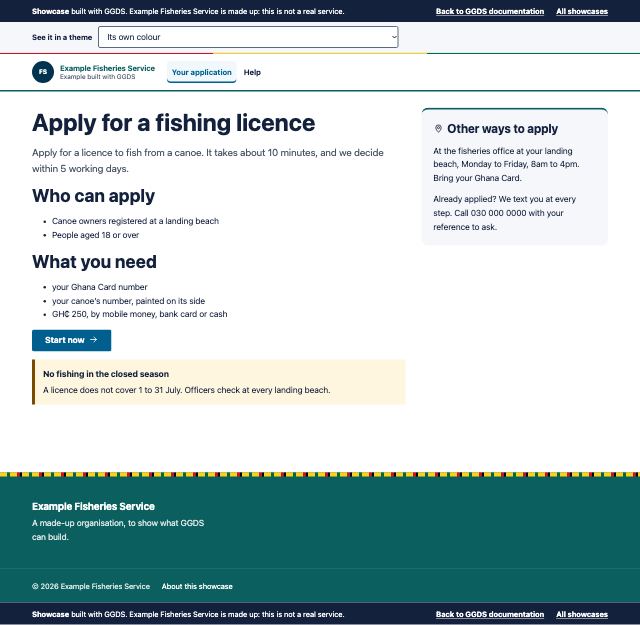
The thing every institution builds: a start page, the questions, check your answers, pay, and what happens next.
Built from
Text input, Radios and checkboxes, Summary list, Button, Confirmation panel, Notice; patterns: Ask for information, Ghana Card number, Phone numbers.
Behind it, your team still builds
- Somewhere to receive and keep applications (a case system)
- A Ghana Card check with NIA, if you need one
- A payment service (see “Pay a fee”), and SMS for the reference
Pages
Pay a fee: Pay your business operating permit
-
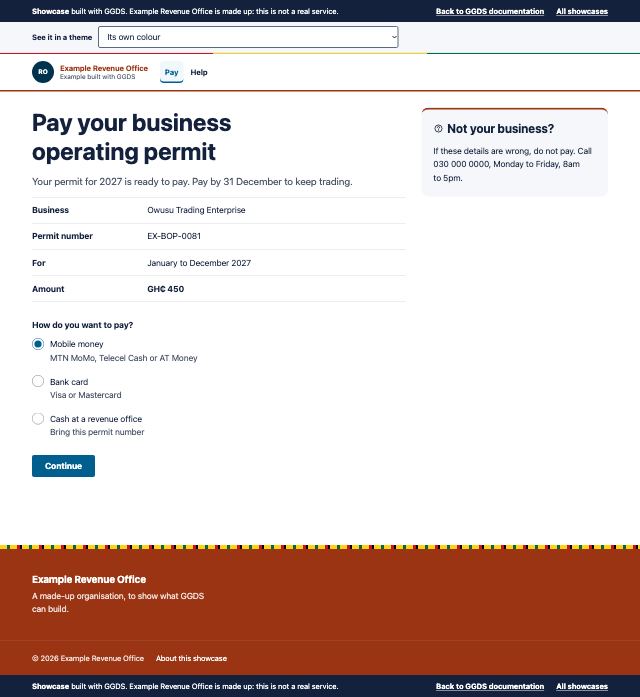
Almost every service ends in a payment: what you owe, how to pay, mobile money that never asks for the PIN here, and a receipt to keep.
Built from
Radios, Text input, Notice, Confirmation panel, Summary list, Button; patterns: Phone numbers.
Behind it, your team still builds
- A licensed payment service for mobile money and cards
- Each payment saved against what it was for, and refunds
- Receipts by SMS and email
Pages
Track an application: Track your passport application
-
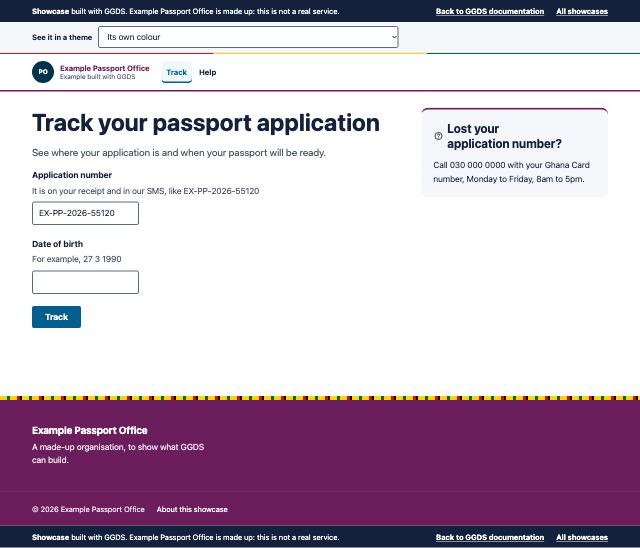
Where is my application? Enter the reference, see each step and what happens next: fewer calls and visits to your office.
Built from
Text input, Tag, Summary list, Notice, Breadcrumbs, Button.
Behind it, your team still builds
- A look-up by reference in your case system
- Limits on how many references one person can try, so they cannot be guessed
- An SMS each time the status changes
Pages
Book an appointment: Book a vaccination
-
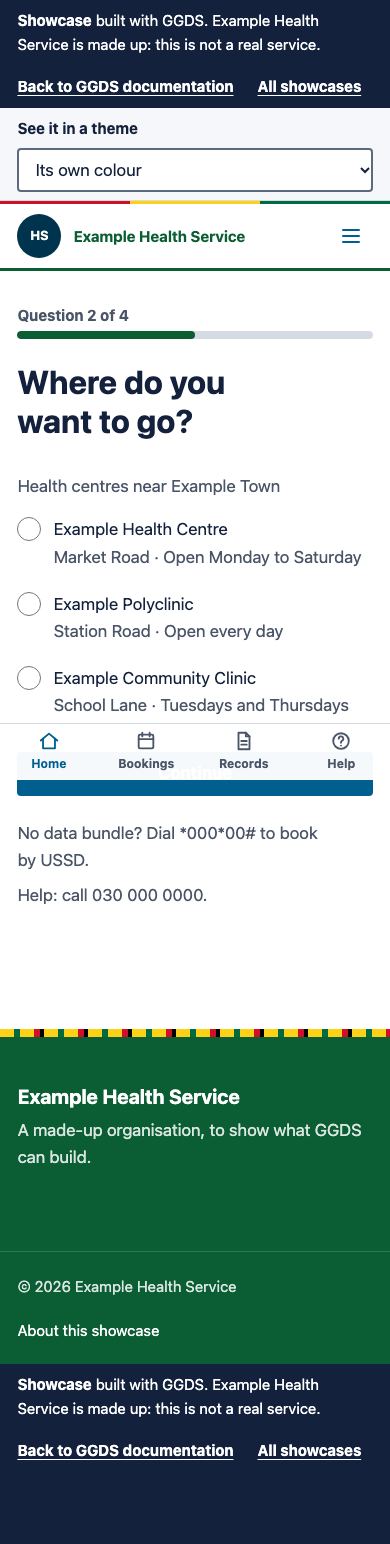
Choose a place and a time, then a booking people can show at the door. Made for a low-cost phone: one question a page, big targets.
Built from
Radios, Button, Confirmation panel, Summary list, Tab bar, Notice; patterns: Ask for information, Addresses.
Behind it, your team still builds
- Each centre’s opening times and how many people it can see
- SMS reminders the day before
- A list for staff of who is coming, and USSD for people without data
Pages
Check a licence: Check a contractor’s licence
-
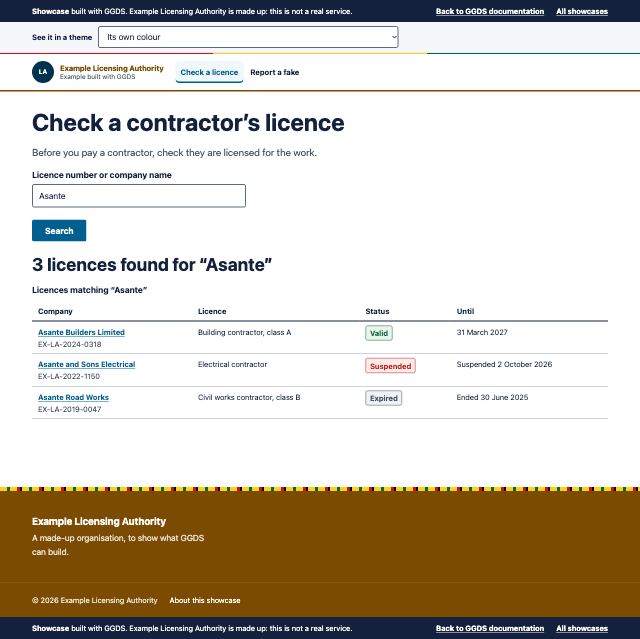
A public register anyone can search before they pay: is this company licensed, for what, and until when? With a way to report a fake.
Built from
Text input, Table, Tag, Summary list, Notice, Breadcrumbs; patterns: Search results.
Behind it, your team still builds
- The register, kept up to date by your staff
- A download or API so banks and other agencies can check it too
- A way for people to report a fake licence
Pages
A personal account: Your business account
-
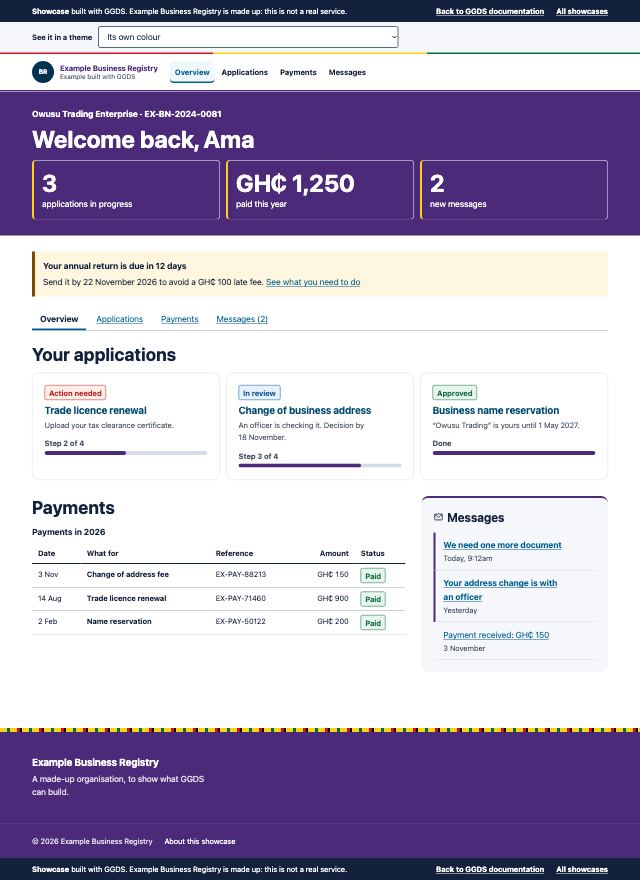
Everything someone has with an institution in one place: what needs doing, applications, payments and messages.
A staff tool: Applications to review
-
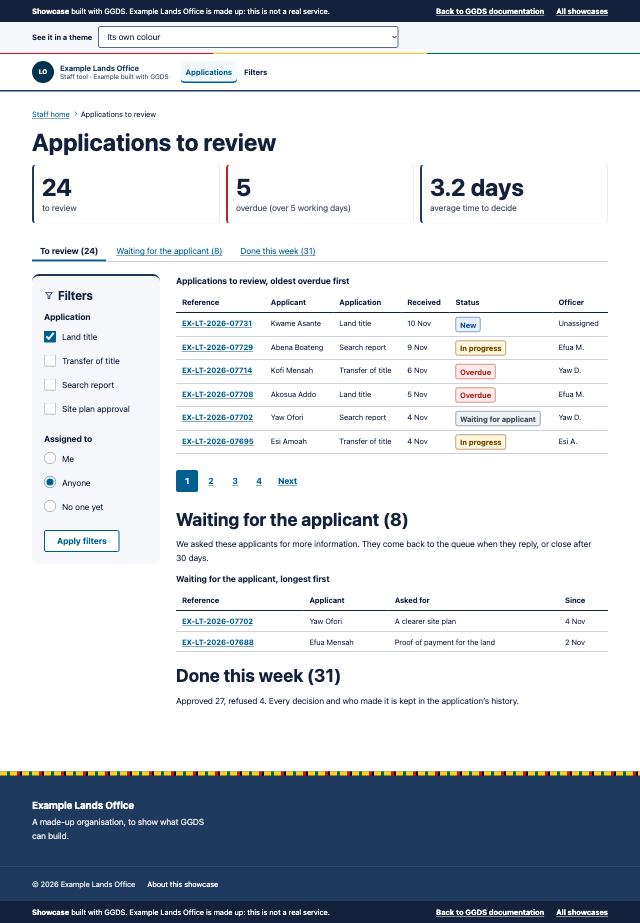
The other side of every service: the queue staff work through, and the page where an officer decides on one application.
Built from
Tab links, Checkboxes and radios, Table, Tag, Pagination, Breadcrumbs, Summary list, Textarea.
Behind it, your team still builds
- Staff sign-in, with roles for who can decide
- The case system behind the queue
- A record of every decision and who made it
Pages
Jobs and tenders: Jobs and tenders
-
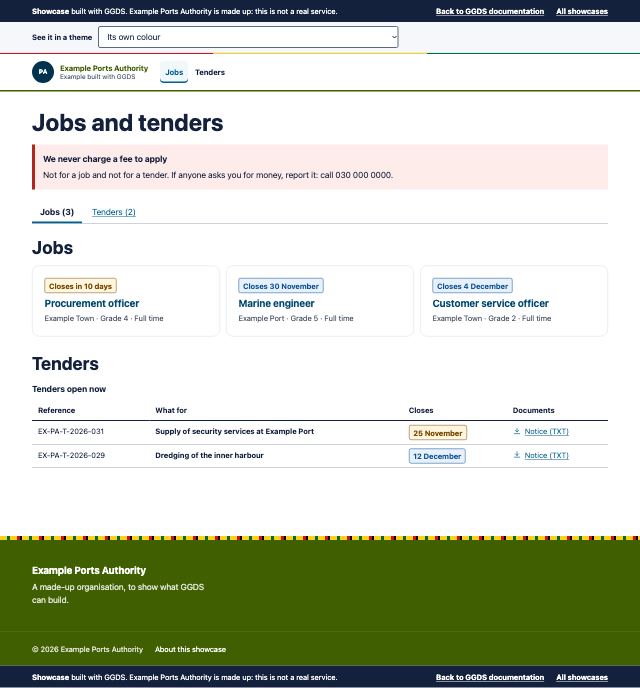
What nearly every institution publishes: vacancies and tender notices with closing dates, documents to download, and a warning about fake adverts.
Built from
Notice, Tab links, Card, Tag, Table, Summary list; patterns: Publish documents.
Behind it, your team still builds
- A way to publish and close adverts on time
- An application form, or an email address that is read
- For tenders, the steps the public procurement law sets
Pages
More examples
Open data: Rainfall this season
-
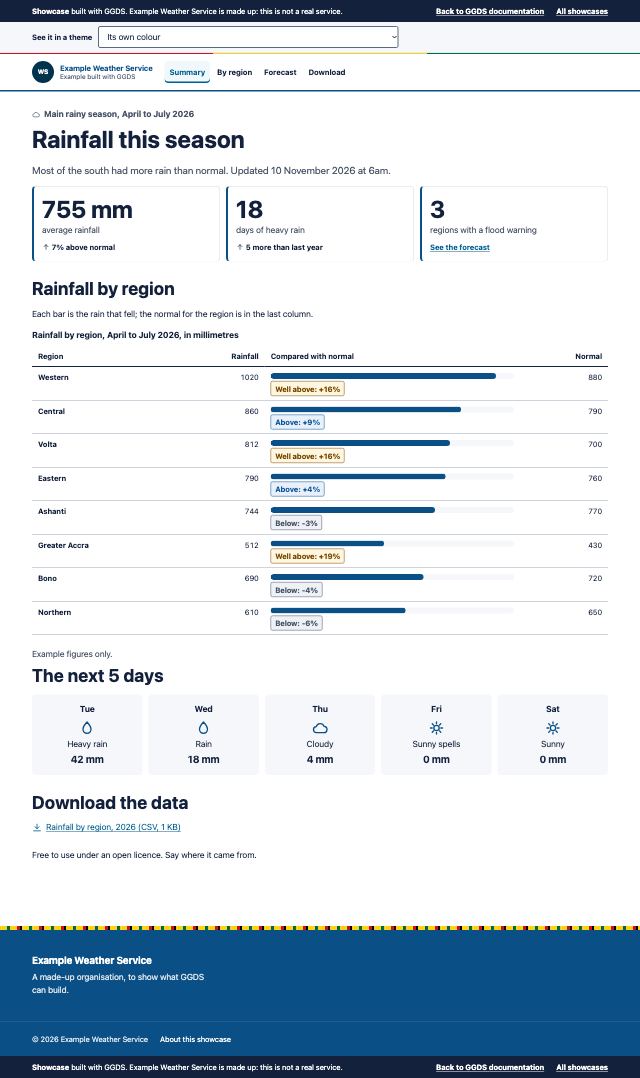
Live figures people can read and reuse: key numbers, a chart that is also a table, a forecast, and the data to download.
Built from
Table, Tag, Icons, Notice; patterns: Publish documents.
Behind it, your team still builds
- The data, collected and checked
- An open licence, and a download address that does not change
Pages
An emergency warning: Flood warning
-
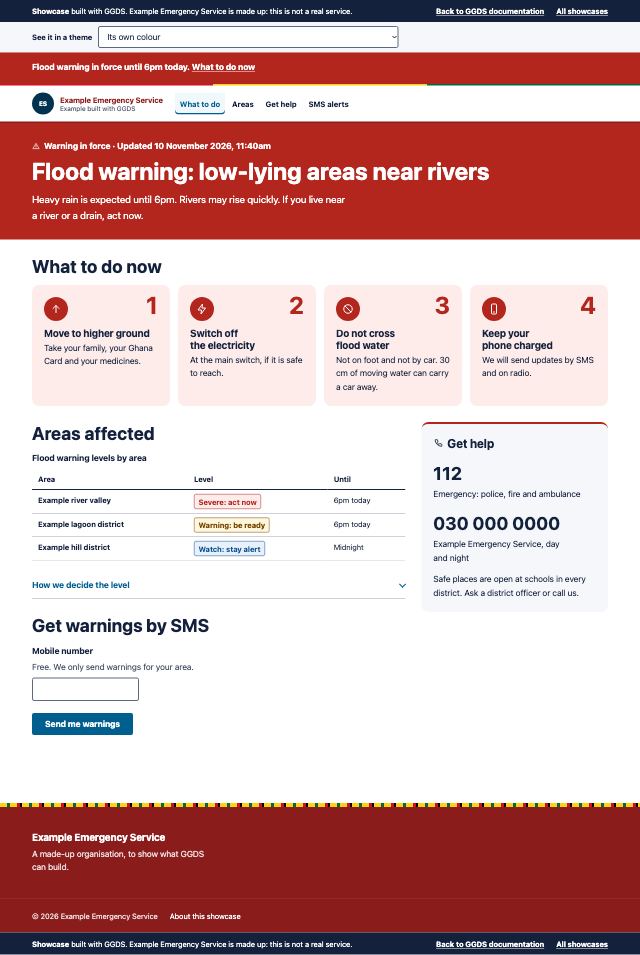
Information people need in a hurry: the warning, what to do now, the areas affected and who to call.
Built from
Urgent notice, Tag, Table, Disclosure, Text input; patterns: Phone numbers.
Behind it, your team still builds
- A way to publish a warning in minutes, from a phone
- SMS and radio partners, and translations into local languages