Icons
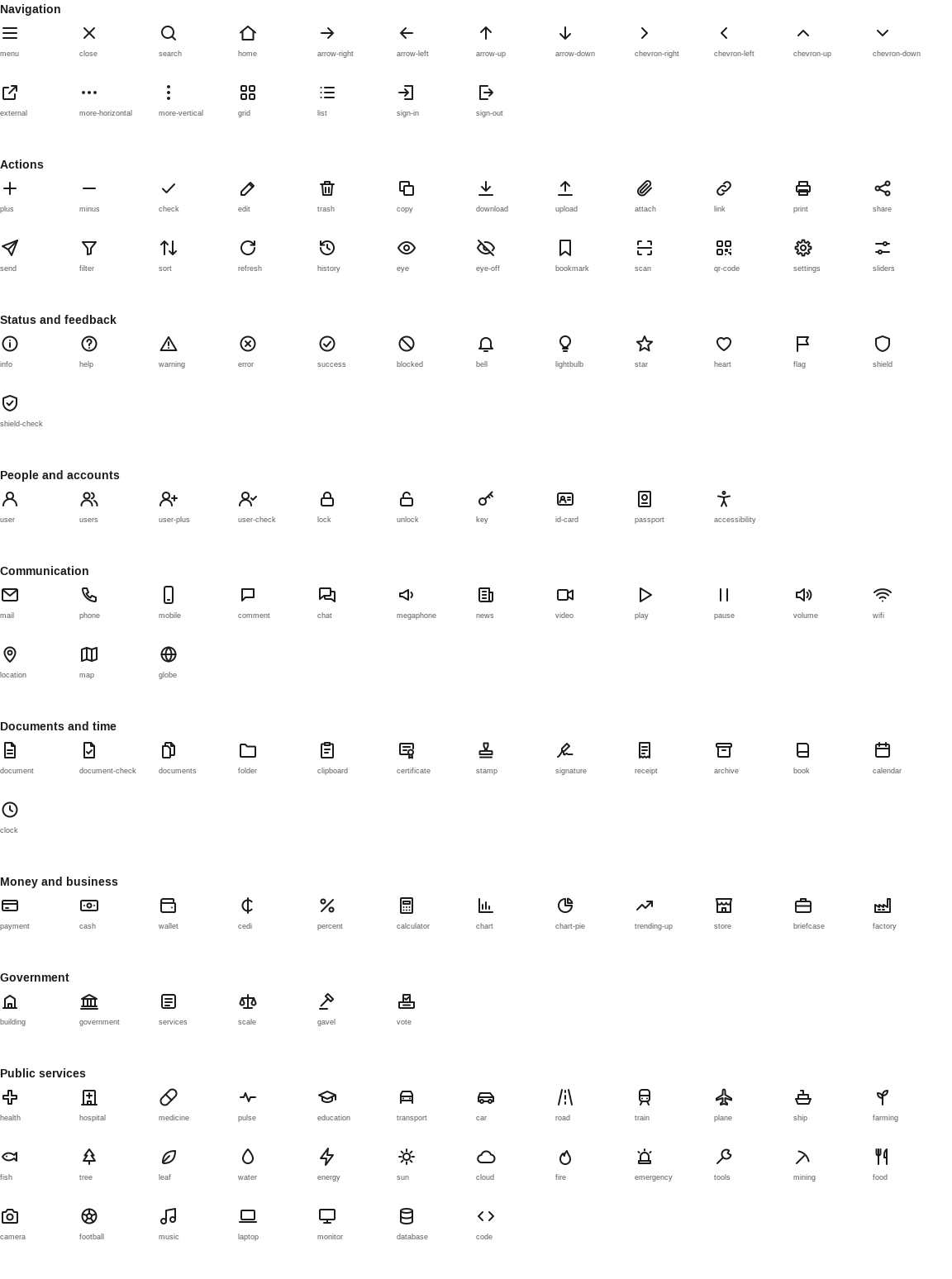
143 icons for Government of Ghana websites, drawn for GGDS so they look like one set: the same grid, the same line, the same corners. Free to use under the Apache-2.0 licence.
- Every icon on one sheet (SVG, 53 KB), with each icon named, to import into Figma or another design tool.
- Every icon in a sprite (SVG, 33 KB), for websites: see the icon component.
- Single icons: the SVG link under each one below. With npm:
npm install @ggds/icons.


Drawing a new icon
Ask for an icon GGDS does not have by opening an issue: say what it is for and where it will be used. To draw one, follow these rules, which every GGDS icon keeps. The build checks the ones a computer can check, and stops with the reason if an icon breaks them.
- A 24 by 24 frame. Keep the drawing between 2 and 22, leaving 2px clear on every side.
- Lines only, 2px wide, with round ends and round corners. No fills, no colours, no shadows: the icon takes the colour of the text around it.
- Put straight lines on whole pixels (4, not 4.3), so they stay sharp on screens. Use at most 2 decimal places anywhere.
- Match the size of the icons around it: a circle is about 17px across, a square about 16px.
- Draw what people already know: a phone for calling, a pin for a place. Leave out detail that disappears at 16px.
- No logos, flags, coats of arms or people's faces.
- Name it after what it shows, in lower case with hyphens (
id-card), and add it topackages/icons/catalogue.jsonwith words people might search for.
Save the drawing as packages/icons/src/<name>.svg, starting with the same <svg> element as the other files there, and run pnpm run build. Then it is in every format: npm, the sprite, the design sheet, Django, WordPress and Astro.